

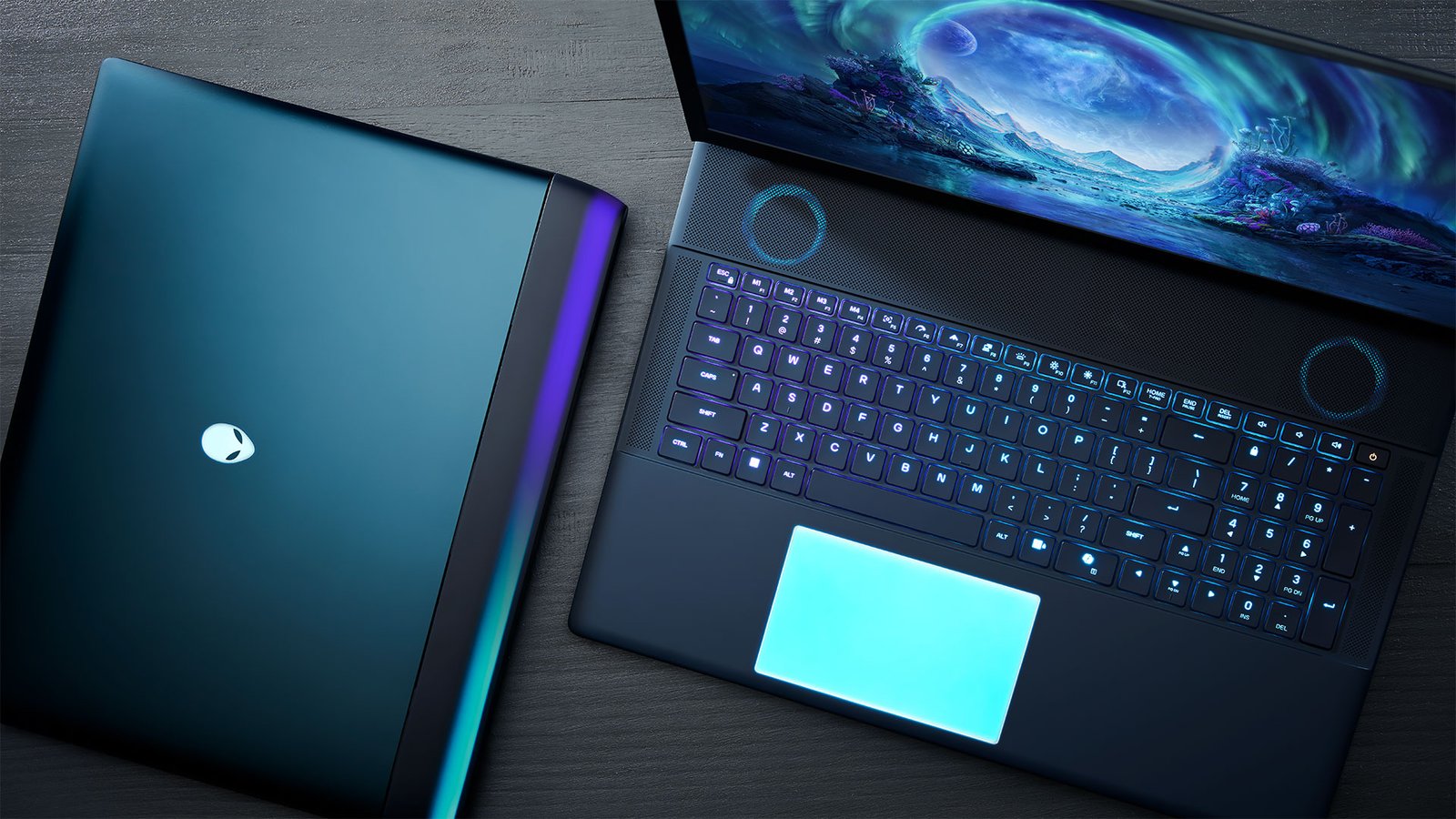
Best laptops under $800 in 2026 no longer mean settling for weak processors and dim displays. This price range now realistically includes 16GB of RAM, fast SSD storage, all-day battery life, and in some cases even a dedicated gaming GPU. This guide breaks down the best laptops under $800 in 2026 by use case, so you can match the pick to how you actually plan to use it, rather than chasing headline specs alone.
Pricing in this category shifts often due to sales and inventory changes, so treat the ranges below as a general guide and check current pricing before buying.
What $800 Gets You in 2026
A practical baseline for this budget is an Intel Core i5 or AMD Ryzen 5 (or newer) processor, 8–16GB of RAM, and at least a 512GB SSD. A 13–15 inch 1080p IPS display with decent brightness covers most everyday use comfortably, while 8–10 hours of battery life is a reasonable expectation for non-gaming laptops in this range.
Gaming laptops in this budget now commonly include NVIDIA’s RTX 40-series GPUs, a meaningful step up from what this price point offered just a couple of years ago.
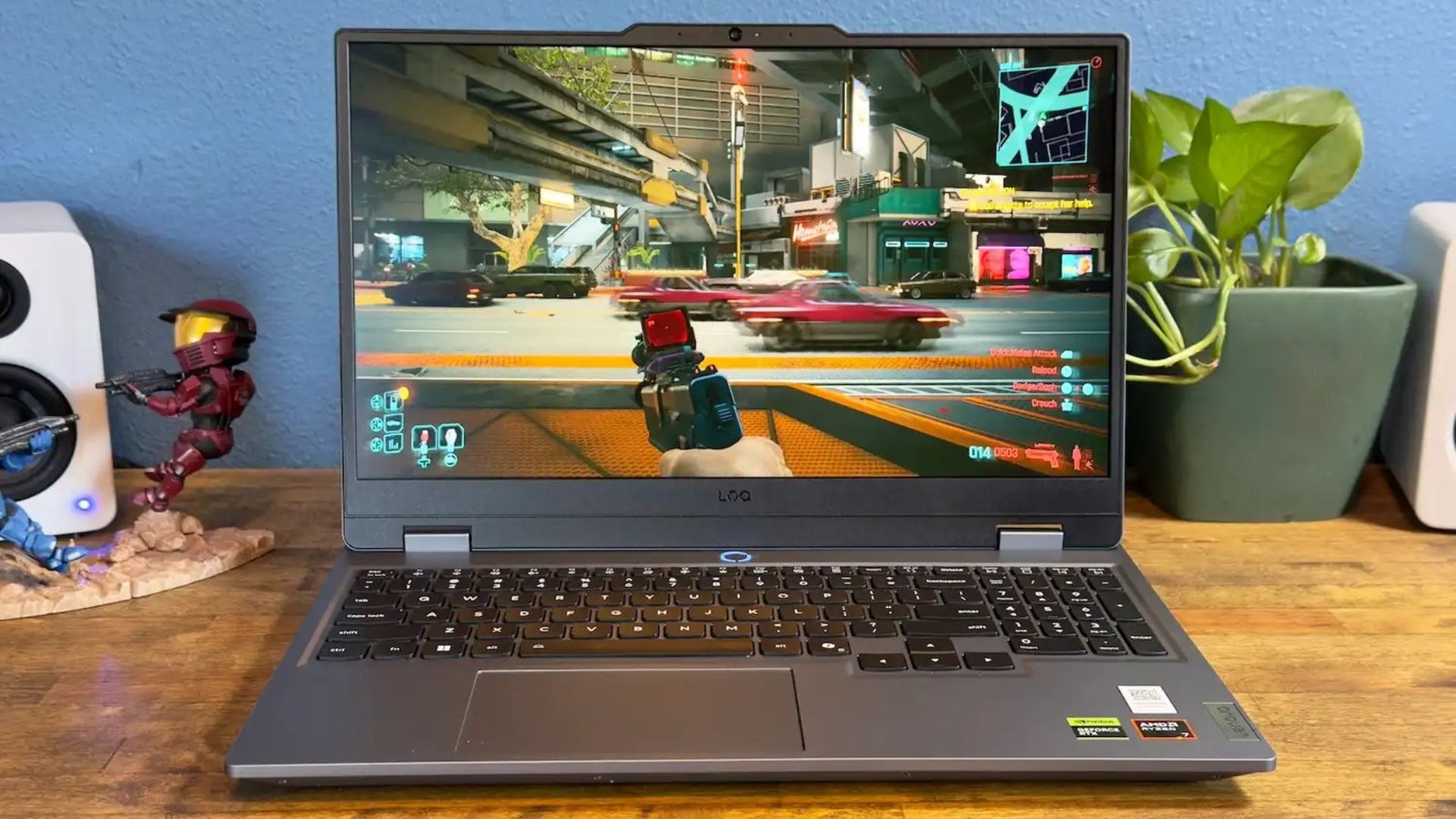
Best laptops under $800 in 2026
1. Lenovo IdeaPad Slim 3 (Ryzen 5/7) — Best Overall
What it is: A well-rounded budget laptop built around AMD’s Ryzen 5000-series mobile processors, balancing everyday performance with a reasonable price.
Key specs: 8-core Ryzen 7 configurations handle multitasking noticeably better than similarly priced Intel alternatives, paired with 16GB RAM and a 512GB SSD as a common configuration.
Best for: Everyday productivity, web browsing, video calls, and light multitasking for students or remote workers.
Buying tip: Confirm the RAM and SSD configuration before buying — the same model name is sometimes sold with lower-spec variants at a lower price point.
2. Lenovo IdeaPad Slim 5 16 — Best for Students
What it is: A larger 16-inch option with a higher-resolution display and some of the longest battery life available in this price range.
Key specs: A 16-inch 1920×1200 IPS display, AMD Ryzen AI or Intel Core Ultra processor options, 16GB RAM, and battery life reported at over 14 hours in mixed use.
Best for: Students who want a bigger screen for note-taking and reading, plus enough battery life to skip carrying a charger to class.
Buying tip: The larger 16-inch size adds some weight versus 13–14 inch options — worth considering if portability is the top priority.
3. Apple MacBook Air 13″ (M4) — Best Premium Pick on Sale
What it is: Apple’s M4-powered Air occasionally drops to around $799 during sales, putting a premium ultrabook within this budget for the first time.
Key specs: Apple’s M4 chip delivers strong performance-per-watt, alongside a reported 18-hour battery life and a well-regarded trackpad and display.
Best for: Buyers who specifically want macOS and are willing to wait for a sale price to hit this budget tier.
Buying tip: This pick only fits the budget during sale events — check current pricing before assuming it’s available at $799 year-round.
4. HP Victus 15 (RTX 4050) — Best Budget Gaming
What it is: A gaming laptop that fits a dedicated NVIDIA RTX 4050 GPU into the sub-$800 range, a configuration that wasn’t realistic at this price a few years ago.
Key specs: A dedicated RTX 4050 GPU paired with a high-refresh-rate display, capable of running most popular titles at 1080p on medium-to-high settings.
Best for: 1080p gaming at solid frame rates, without expecting to max out ray tracing or 4K performance.
Buying tip: Set expectations around 1080p gaming rather than 1440p or 4K — the GPU tier at this price is built for that resolution specifically.
5. Acer Swift Go 14 AI — Best Lightweight/Portable
What it is: An ultra-portable laptop built around newer AI-accelerated processors, aimed at commuters and remote workers who prioritize portability.
Key specs: A slim 14-inch chassis with a built-in NPU (neural processing unit) for on-device AI acceleration, along with solid battery life for all-day use.
Best for: Commuters and remote workers who want a light laptop that still handles modern productivity software smoothly.
Buying tip: The NPU is most useful if your software (photo/video editing, some Windows AI features) is specifically built to use it — check compatibility if that’s your main reason for choosing this model.
6. HP ENVY x360 13 — Best 2-in-1
What it is: A convertible laptop that folds into a tablet, aimed at users who want more flexibility than a traditional clamshell design.
Key specs: A 13-inch touchscreen with a 360-degree hinge, letting it function as both a laptop and a tablet for reading, note-taking, or presentations.
Best for: Users who want tablet functionality (drawing, note-taking, presentations) without buying a separate device.
Buying tip: Two-in-one designs typically weigh slightly more than an equivalent standard laptop — check the specific weight if portability is a priority alongside flexibility.
Comparison Table
| Laptop | Best For | Price Range | Standout Spec |
| Lenovo IdeaPad Slim 3 (Ryzen 5/7) | Best overall value | $500–$750 | 16GB RAM, 512GB SSD |
| Lenovo IdeaPad Slim 5 16 | Best for students | $550–$650 | 14+ hour battery life |
| Apple MacBook Air 13″ (M4) | Best premium pick (on sale) | Up to $799 on sale | 18-hour battery, M4 chip |
| HP Victus 15 (RTX 4050) | Best budget gaming | $700–$799 | Dedicated RTX 4050 GPU |
| Acer Swift Go 14 AI | Best lightweight/portable | $600–$750 | Built-in AI acceleration (NPU) |
| HP ENVY x360 13 | Best 2-in-1 | $700–$799 | Tablet + laptop flexibility |
Mistakes to Avoid When Buying a Budget Laptop
- Chasing headline specs over real-world use. A higher core count or RAM number doesn’t always translate to a better experience if the display, battery, or build quality is weak.
- Ignoring battery life for portability needs. A powerful laptop with mediocre battery life can be a poor fit for students or commuters who need it to last a full day.
- Assuming all SSD storage is equal. Some budget models still ship with slower storage than expected — checking SSD type and speed matters as much as capacity.
- Buying a gaming laptop for non-gaming use. Dedicated GPUs add cost, weight, and reduced battery life that aren’t worth it if gaming isn’t a priority.
- Not checking current sale pricing. Prices in this category shift frequently — a model listed near $800 one month may be discounted well below that the next.
FAQs
What specs should I look for in a laptop under $800 in 2026?
A reasonable baseline is an Intel Core i5 or AMD Ryzen 5 (or newer) processor, 16GB of RAM, and at least a 512GB SSD, along with a 1080p IPS display for comfortable everyday use.
Can I get a gaming laptop under $800?
Yes. Budget gaming laptops in this range now commonly include NVIDIA RTX 40-series GPUs like the RTX 4050, capable of solid 1080p gaming on medium-to-high settings.
Is a MacBook available under $800?
The MacBook Air 13″ (M4) occasionally drops to around $799 during sales, though it’s not consistently available at that price outside of promotional periods.
What’s the best laptop under $800 for a student?
Larger-screen options like the Lenovo IdeaPad Slim 5 16 are popular for students due to strong battery life and a comfortable display size for note-taking and reading.